Your journey. Every detail.
Precise GPS tracking. Record, navigate, and analyse your own routes. Your data stays yours.


4.5
109 K+ 15 M+
Downloads Millions of users trust Geo Tracker. Read reviews
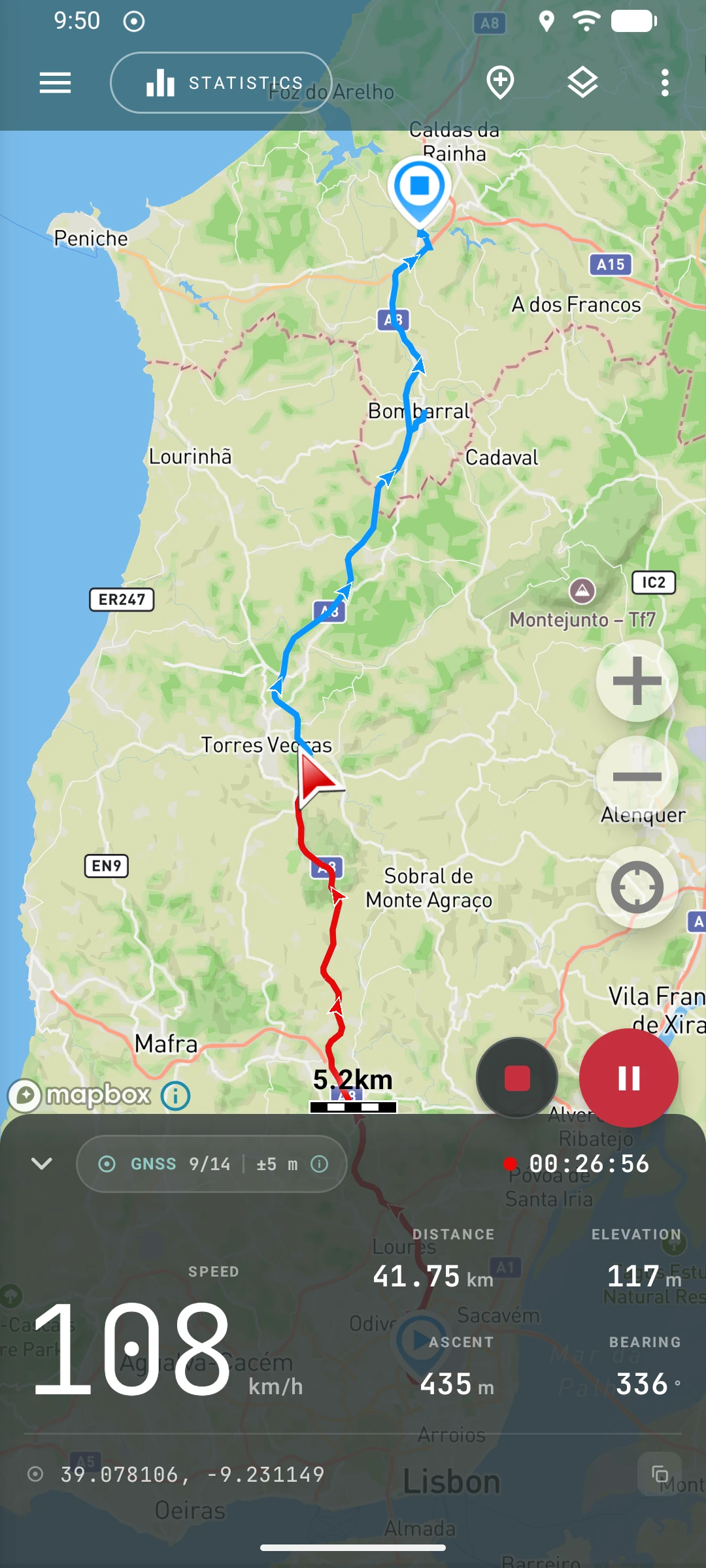
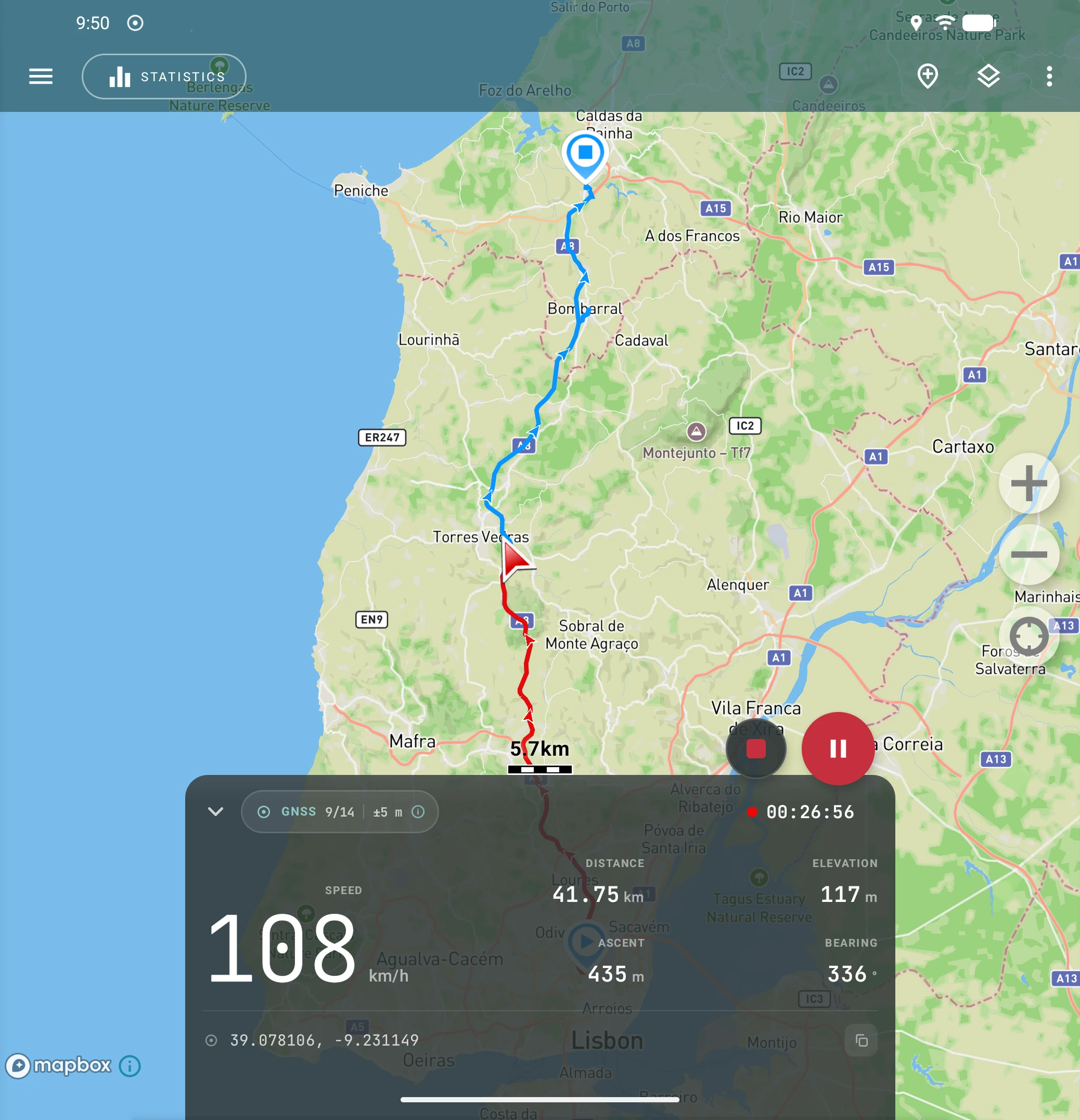
Geo Tracker is designed to help active people track their movements with a reliable solution.


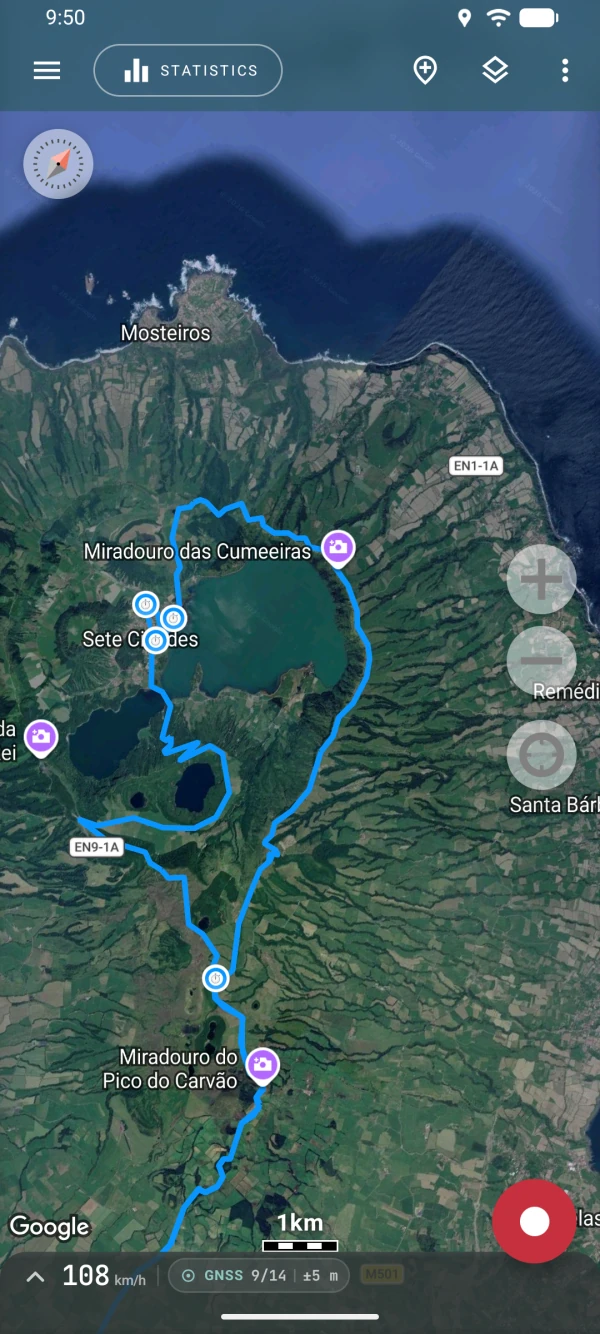
 Efficient Battery Usage
We’ve developed unique background tracking technology that allows you to record accurate GPS tracks for hours while minimizing battery drain.
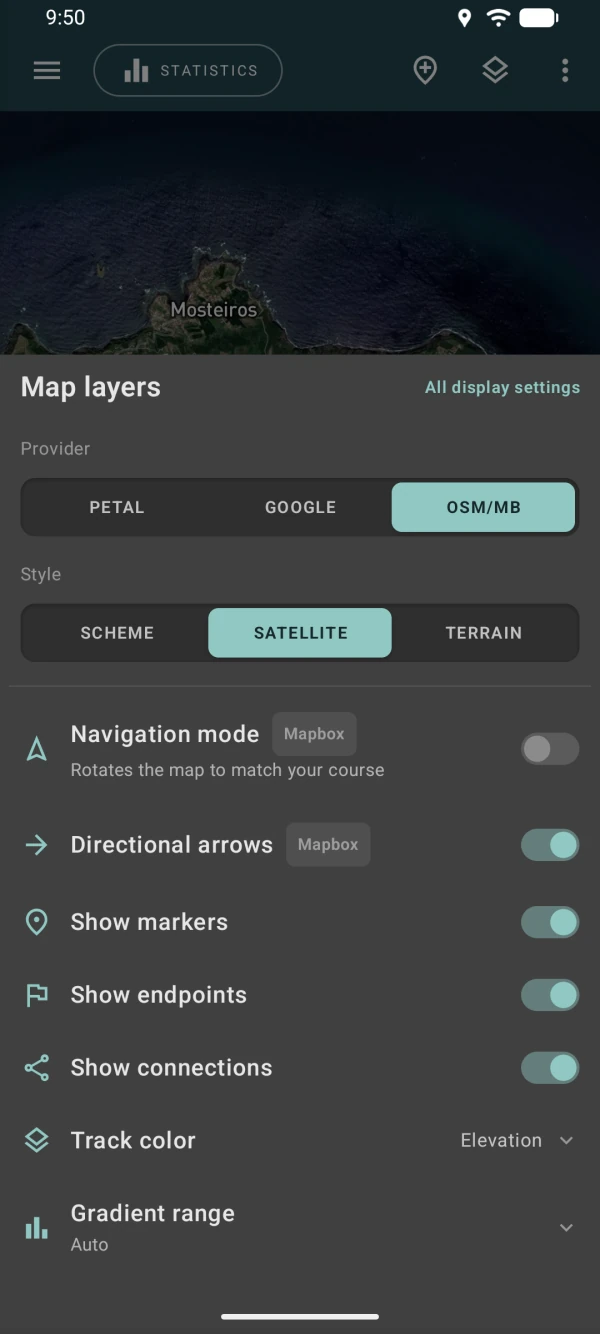
 Multiple Map Options
 No Internet Needed
You can use offline tracking if the Internet connection is not available. For recording a track, only a GPS signal is needed.
 Your Tracks — Your Data
Your privacy is important to us. Rest assured, we never compromise your data. With Geo Tracker, all your location data stays securely on your phone, giving you complete control.
 Route guidance
Turn any recorded track into a convenient navigation route. Press the button, and the app will generate all the necessary maneuvers.
 Map markers
Mark campsites ⛺, viewpoints 🏔️, places to eat 🍽️ or anything else along your route. Choose an emoji for any marker to find it on the map at a glance. Emojis are kept when you export to GPX, KML, or KMZ.
 Track statistics
Track your progress effortlessly by monitoring various parameters such as track length, speed, and elevation changes, and share screenshots with friends.
 Sharing data
You can share tracks in GPX, KML, and KMZ formats and generate screenshots with the track and statistics. All data is stored only on your device—only you control the transfer.
 Automate recording
You can easily automate the recording process using popular apps like Tasker or MacroDroid. Geo Tracker allows you to configure the actions to start, stop, pause, and resume route recording.

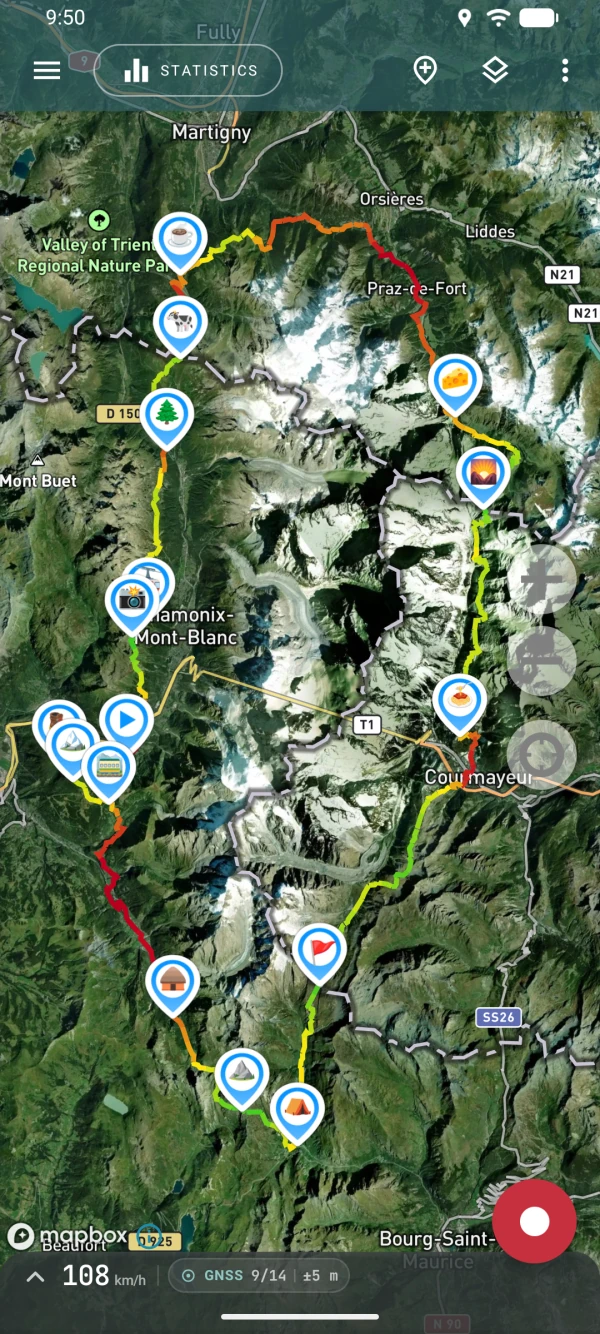
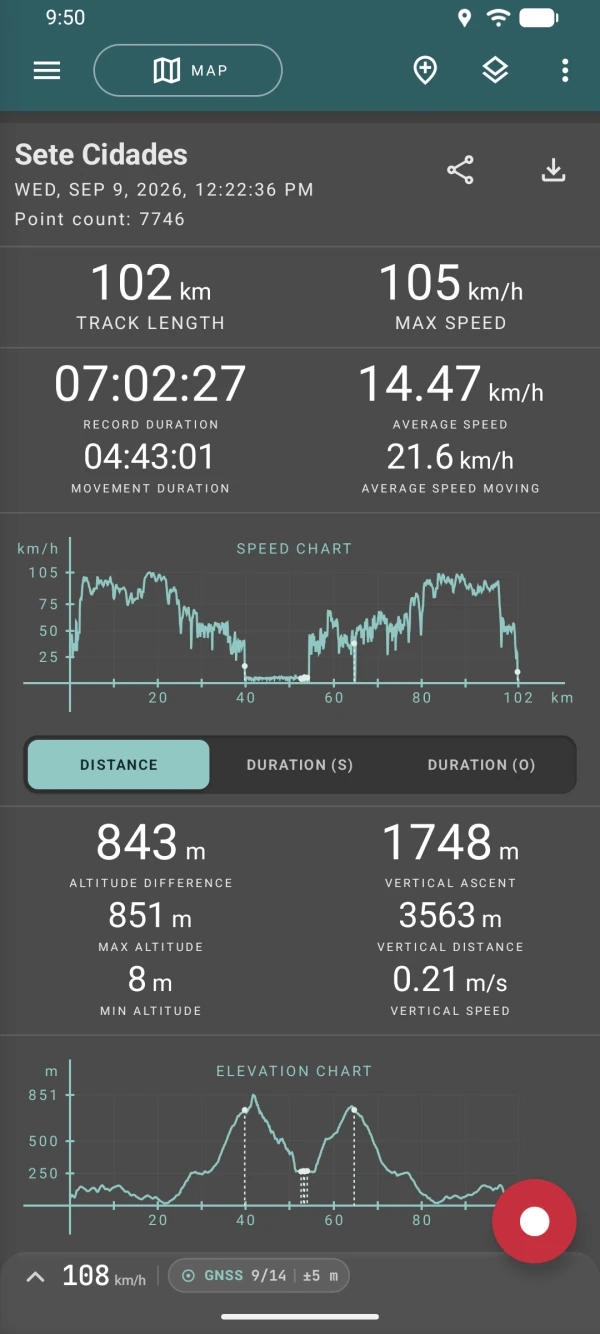
On land, at sea, and in the air — Geo Tracker accompanies all your outdoor activities!
Quality map , love it , and the tracking works perfectly 👌
D Man
Oct 30, 2026
Excellent app, does more than what google maps used to do. I use it for walking routes, very precise and useful.
Miranda van der Meer
Oct 23, 2026
I love this app I'm using it to track where I go year by year . one of the best tracking apps I have used and easy.
McKensie Griffin
Oct 21, 2026
This app is as useful for hikes as it is for long kayaking trips. After a day out on Lake Champlain, Geo tracker helped us find our put in along a very windy coastline with lots of inlets where everything looked the same. Three cheers for Geo Tracker!
Gina Mackinnon
Oct 16, 2026
Best GPS tracker. Thanks for this great product. Update 2026: Still amazing 👍🏻
Jaime Giraldo
Oct 09, 2026
does exactly as advertised. I use it to track my route in waste collection and send it to other drivers when they help out. Amazing app.
Robert Brass
Sep 20, 2026
I'm driving a garbage truck and it's perfectly working to help me running my map like a champ 🏆
Ibrahim Nadir
Sep 01, 2026
Awesome tracking app. I use it on my adventure bike to track my rides. Always interesting to have a look at the data afterwards. Satellite view is great for finding trails and tracks and other interesting locations while riding. I have my phone mounted on my handlebars to be viewed at any time while riding. Great job!
Neil Gers
Aug 29, 2026
Update 8/2026 - This is still the best tracking app. I now use it to track my Ebike rides. I like that I can display any or all tracks on the map for when I'm looking to see new places. I decided to make a donation for this great app. Hands down the best app for tracking your travels. I've used it for walking, traveling by car, truck, motorcycle, cruise ship and even while flying. Accurate and loaded with statistics. I've been using it for so long I couldn't even begin to guess when I started.
Craig Rabin
Aug 28, 2026
I love this app, and have used it for years. I use it on flights, transit, walking and daily outings. Highly recommended.
Chad Dickie
Jul 20, 2026
I use GT to track our rides in the desert, then import them into Google Earth.
Ron Wells
Jul 08, 2026
I've been looking for an app that can track your location offline and this is the best I've found
Elias Davis
Jul 07, 2026
Frequently asked questions from our users.
Android’s battery optimizations can interrupt Geo Tracker’s background recording by pausing GPS updates to save power. To get reliable, uninterrupted tracking:
For complete step-by-step instructions tailored to your phone model (Xiaomi, Realme, Huawei, etc.), see our detailed setup guides. They’ll show you how to whitelist Geo Tracker and tweak system settings so background recording never stops.
While recording your GPS tracks, a network connection is not necessary. The app relies solely on a stable GPS signal for this core functionality.
However, displaying the map within the app may require network access. We highly recommend switching to Mapbox maps for the best offline experience.
Use automation apps like MacroDroid or Tasker to make Geo Tracker start or stop recording automatically—for example, when you arrive at a specific location. Follow our step-by-step guide to set it up.
Developers can also leverage Geo Tracker intents to embed its features directly into their own apps and workflows.
A recording profile determines how often Geo Tracker requests location updates, which locations it keeps, and when it starts a new track segment. The built-in profiles choose these settings for you; the Custom profile lets you adjust them individually.
For what each setting (Frequency, GPS accuracy, Min distance, Max distance, Strict filtering) does, see Recording profiles.